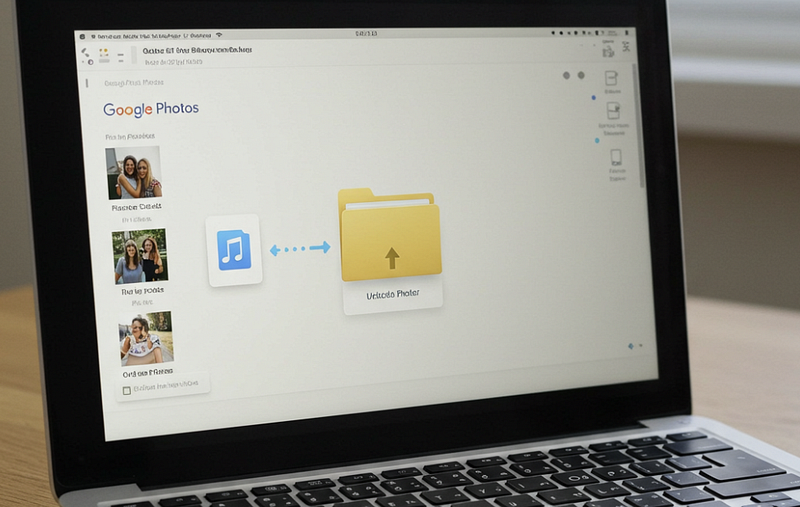
How to Share Your Google Photos With Family Without Maxing Out Their Storage
The ultimate guide to sharing thousands of memories without triggering those dreaded “Storage Full” notifications for your loved ones.

These are the guides I wish had existed when I needed them — specific, tested fixes for specific problems, not generic “have you tried turning it off and on again” advice padded to 2,000 words for SEO.
Expect: Python scripts that actually run, Windows and Android troubleshooting steps that account for the region-specific quirks you won’t find on Stack Overflow, and explanations that assume you’re intelligent but not necessarily a developer.
If a step didn’t work for me the first time, I’ll say so and tell you what did. If there’s a faster way to do something, it’s here instead of the method that sounds more impressive.
The ultimate guide to sharing thousands of memories without triggering those dreaded “Storage Full” notifications for your loved ones.
The Ultimate Guide to Resolving Metadata Drift and Sync Deadlocks on Your Cross-Platform Home Lab
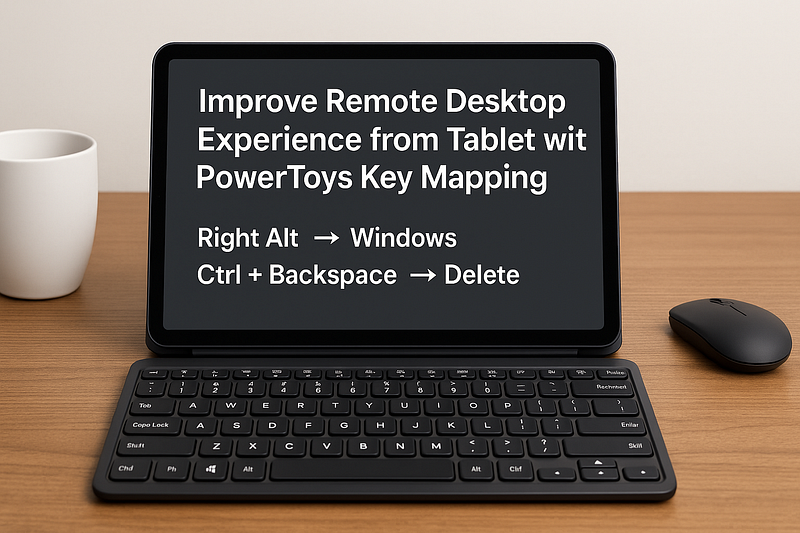
Remote desktop access from a tablet can be a game changer for mobile professionals, digital nomads, or anyone who wants the flexibility to…
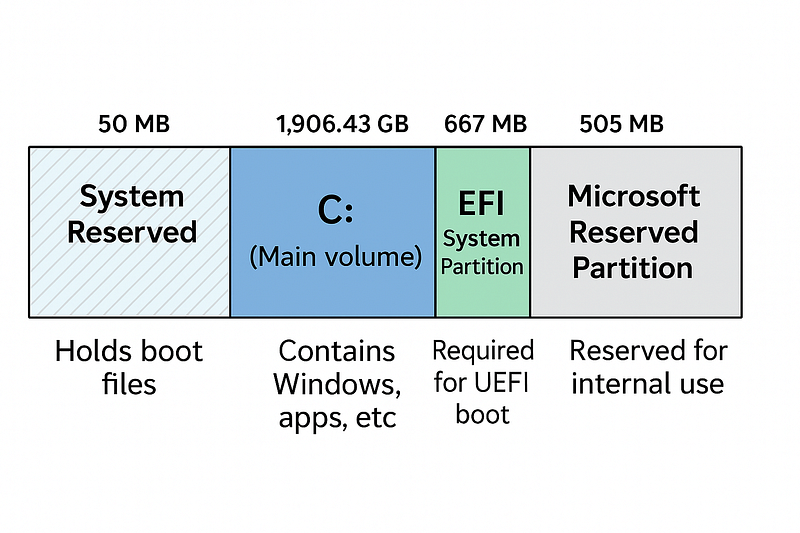
Open Disk Management and see 5 mysterious sections on your drive? System Reserved (50MB), EFI (100MB), Recovery (667MB) — here’s exactly what each one does a...
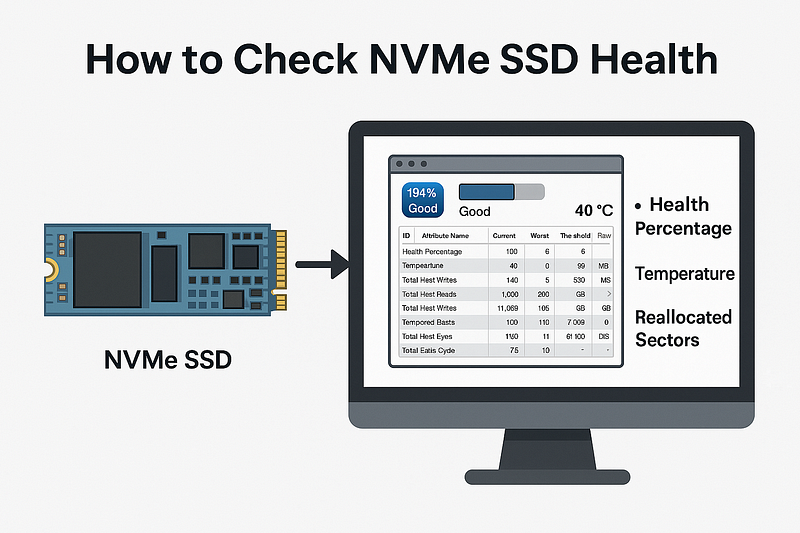
NVMe SSDs fail without warning. CrystalDiskInfo (free) shows health %, TBW remaining, and temperature. Here’s what to look for and when to buy a replacement ...
When your C: drive dies, the two-layer strategy that gets you back in minutes: a locally cloned boot drive (AOMEI/Macrium) + Synology NAS full-system image b...
Optimizing Photo and Video Backup After Cloning Your Phone
Why Google Drive is One of the Best Cloud Storage Services
Google Photos is a great cloud storage service, but having a local backup of your photos and videos is always a good idea. Whether you’re…
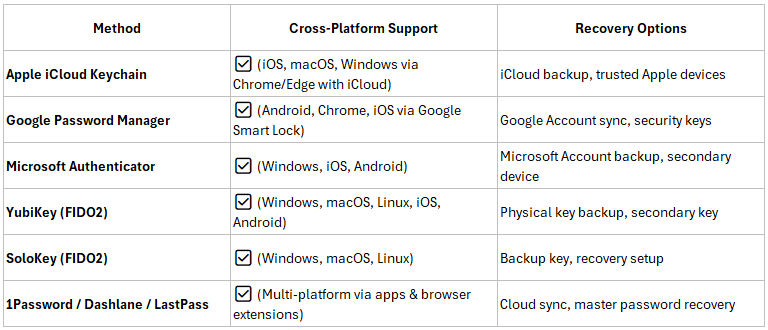
Passkeys are a passwordless authentication method using public-key cryptography. They replace traditional passwords with biometric…
A beginner-friendly guide to understanding terminal access, coding installation, virtual environments, and package management for Python and LLMs.
Learn how to efficiently update Jekyll post links when migrating your GitHub Pages domain.
Learn how to start a WhatsApp chat from a right-click menu in Chrome.
Learn how to use the DLZ Chrome extension to batch download images, auto-sort them, and rename files into organized folders.
Learn how to create a simple Python app to remove image backgrounds and convert it into an EXE file for easy use.
A simple Python script to remove image backgrounds without using any third-party apps or online tools.
A step-by-step guide on extracting Chinese text from images using Python and Tesseract OCR.
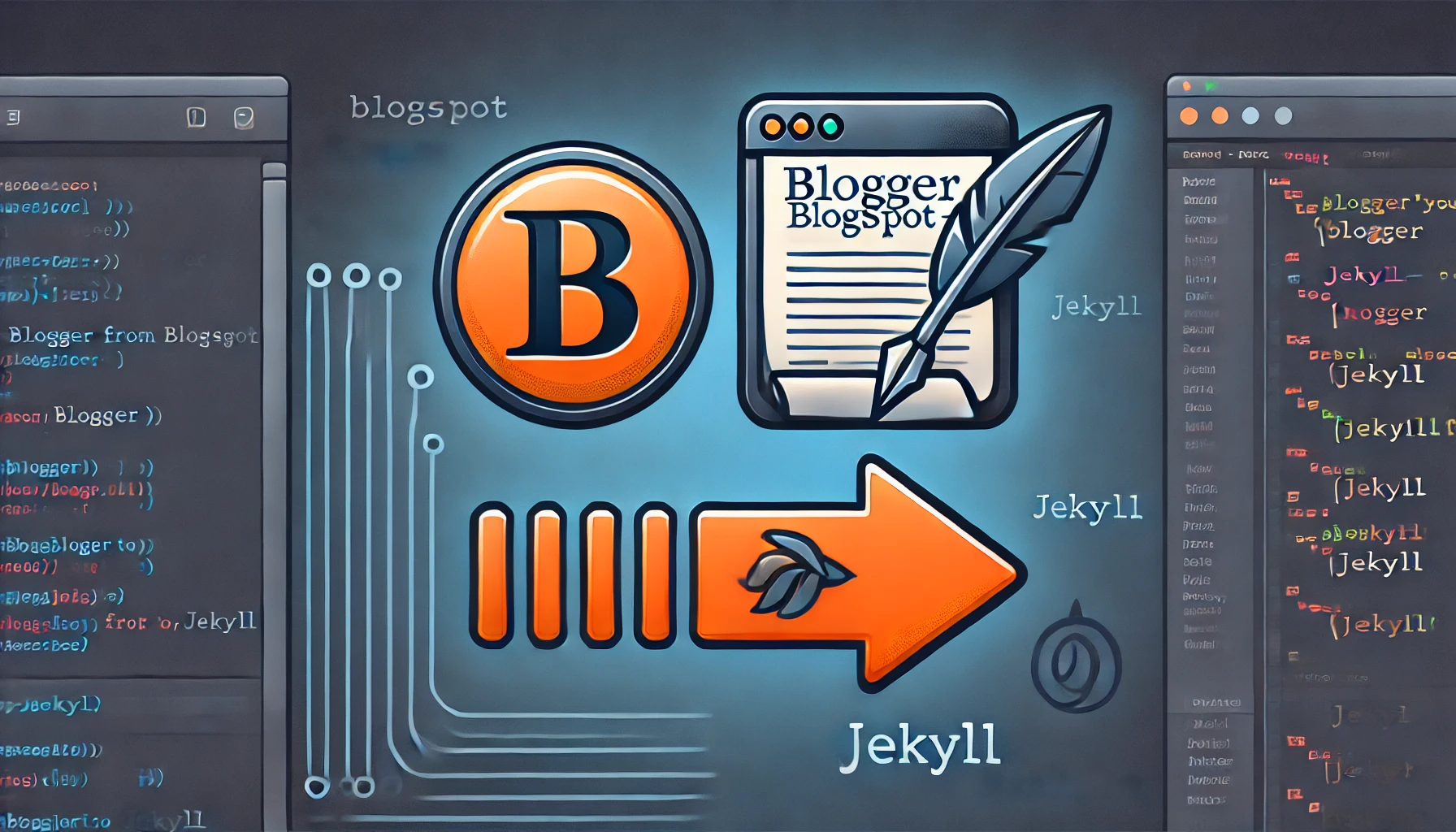
Step-by-step guide to exporting your Blogger posts and converting them to Jekyll format.
A guide to cleaning up story text files by removing unwanted random characters using a Python script.
A Python script to scan directories and remove empty folders dynamically.
A Python script to analyze and count files by type in a directory and its subdirectories, exporting results to an Excel report.
A detailed comparison of VBA and Python for Excel automation, covering use cases, platform availability, and usage methods.
A guide to setting up the Minimal Mistakes Jekyll theme on GitHub Pages using the Liquid archive method for categories and tags.
This is my first post using the Minimal Mistakes theme!
A step-by-step guide for those with zero coding knowledge to set up Python and run scripts using PowerShell.
A troubleshooting guide for fixing the ‘connected to WiFi but no internet’ issue on Android devices, particularly when using randomized MAC addresses.
A quick fix for restoring the missing navigation bar on the Amazon Fire Tablet 8 HD by adjusting settings.
A step-by-step guide on fixing the Windows 10 Chinese input method to display Simplified Chinese characters instead of Traditional ones.
A guide on removing undeletable ghost apps on iOS that occupy storage and fail to uninstall properly.
A review of Pocket, an app for bookmarking content to read later.
A review of Any.DO, a quick note-taking app for smartphones with cross-platform syncing.
A review of Pocket, an app for bookmarking content to read later.


















![[WINDOWS 10 FIX] Chinese Input Method Shows Traditional Chinese Characters Rather Than Simplified Ones](/assets/images/windows10-chinese-input-fix.webp)